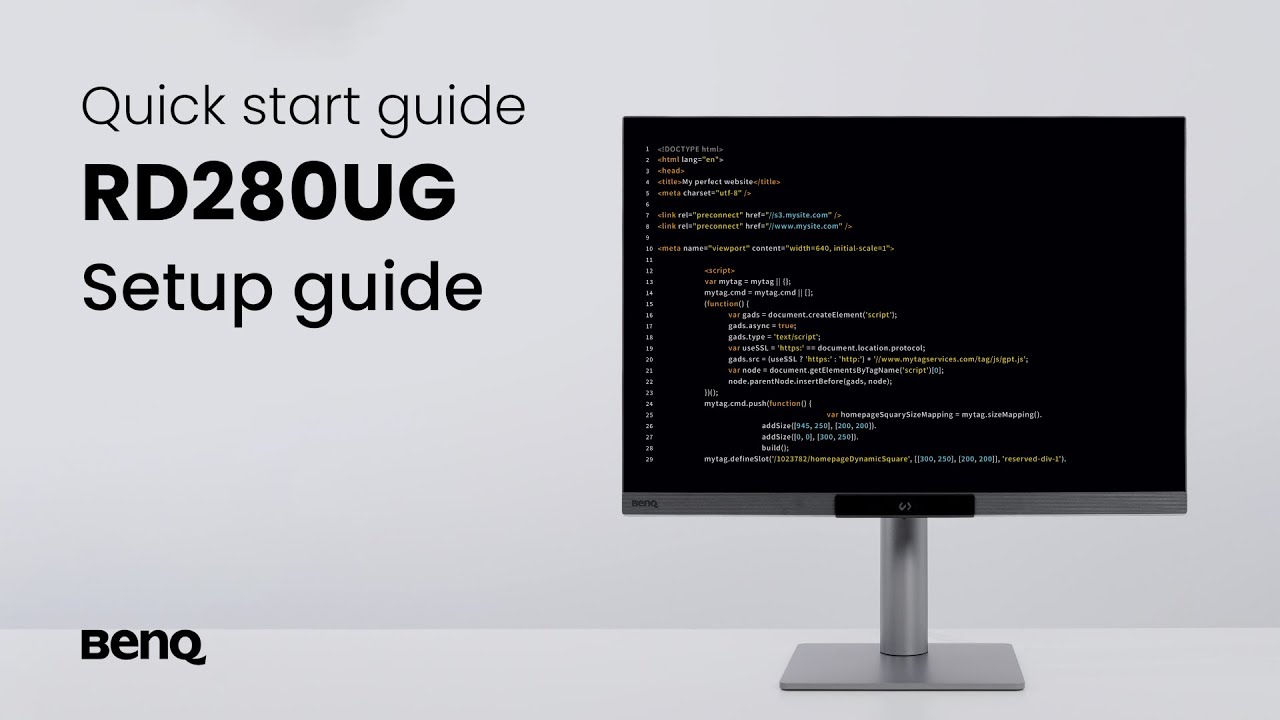
BenQ RD280UG

BenQ RD280UG

$1,199.00
Skip to product information
BenQ RD280UG

BenQ RD280UG

$1,199.00
Details


BenQ RD280UG combines a 28.2" 4K+ display, 120Hz refresh rate, 3:2 aspect ratio, Nano Matte Panel, MoonHalo backlight, exclusive Coding Modes, 2000:1 contrast ratio, ergonomic design, and Eye-Care technology to deliver effortless coding sessions.

RD280UG|28” 4K+ 120Hz BenQ Programming Monitor with MoonHalo Backlight

Relax and Code with Clarity

Every Coding Session Flows with Clarity and Comfort


BenQ RD280UG combines a 28.2" 4K+ display, 120Hz refresh rate, 3:2 aspect ratio, Nano Matte Panel, MoonHalo backlight, exclusive Coding Modes, 2000:1 contrast ratio, ergonomic design, and Eye-Care technology to deliver effortless coding sessions.
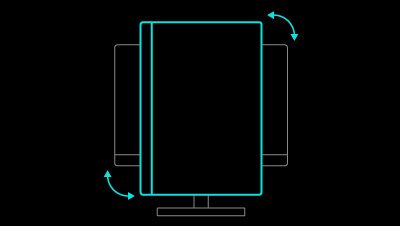
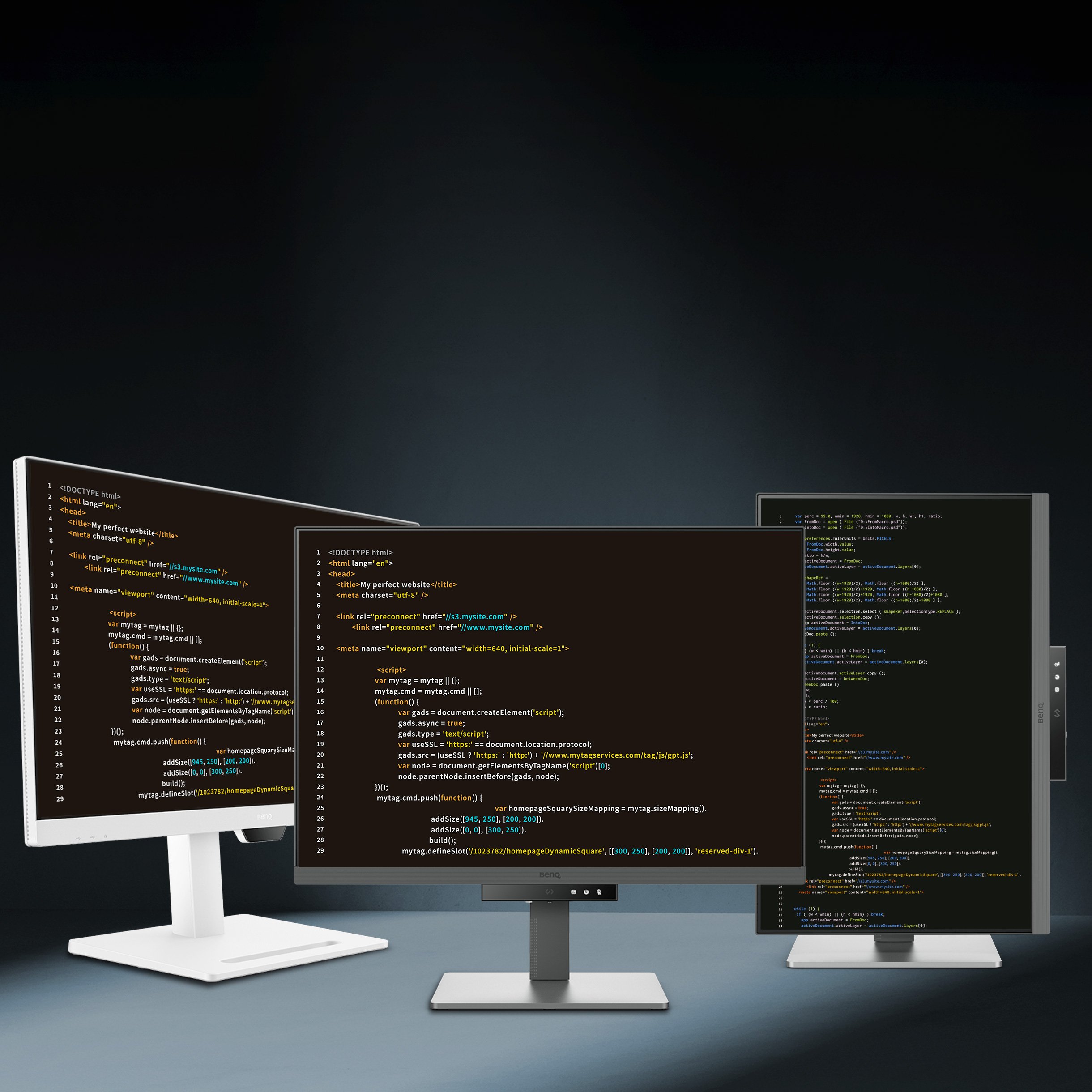
BenQ RD280UG knows the importance of eyes and ergonomics, so we prioritize them in every design.
  • BenQ RD280UG knows the importance of eyes and ergonomics, so we prioritize them in every design.

    Pivot


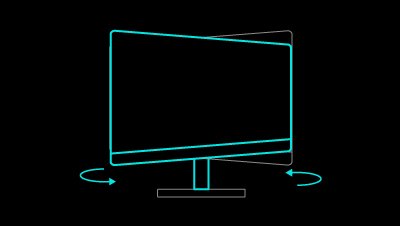
  • BenQ RD280UG knows the importance of eyes and ergonomics, so we prioritize them in every design.

    Swivel


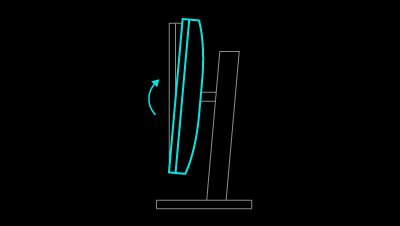
  • BenQ RD280UG knows the importance of eyes and ergonomics, so we prioritize them in every design.

    Tilt


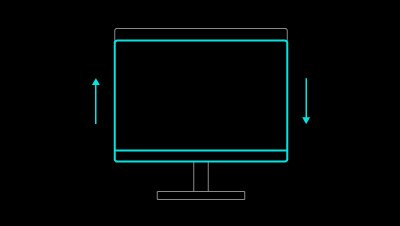
  • BenQ RD280UG knows the importance of eyes and ergonomics, so we prioritize them in every design.

    Height Adjustable Stand


BenQ RD280UG is TÜV-certified for Flicker-Free, Reflection-Free, Low Blue Light, Eye Comfort 2.0, and Eyesafe 2.0, perfect for coding as well as movies, images, or games after work.

RD280UG is TÜV-certified for Flicker-Free, Reflection-Free, Low Blue Light, Eye Comfort 2.0, and Eyesafe 2.0, perfect for coding as well as movies, images, or games after work.
In BenQ RD280UG exclusive Coding Modes, displays are finely tuned for optimal clarity in both dark and light themes. The all-new Paper Color Mode adds another way to refine your code-reading experience.
  • BenQ RD280UG's Dark Theme enhances readability, boosts coding speed, and improves debugging precision.

    Dark Theme

    Dark Theme enhances readability, boosts coding speed, and improves debugging precision.


  • BenQ RD280UG's Light Theme is for clear viewing without eye strain.

    Light Theme

    Light Theme for clear viewing without eye strain.


  • BenQ RD280UG's new - Paper Color Mode lets you enjoy the comfort of paper-like reading.

    Paper Color

    The new - Paper Color Mode lets you enjoy the comfort of paper-like reading.


Featuring a low reflection property to minimize distractions, BenQ RD280UG Nano Matte Panel enhances focus and boosts productivity, delivering unparalleled clarity for peak performance.
BenQ RD280UG's  Clear shadows and refined details make coding in your IDE readability and effortless, while the screen also delivers a high-quality visual experience for movies, images, or games after work.

Transform your desk into a productivity hub. With BenQ Programming Monitor, experience a workspace designed for comfort, focus, and inspiration.

  • Transform your desk into a productivity hub. With BenQ Programming Monitor, experience a workspace designed for comfort, focus, and inspiration.

    Picture by Picture


  • Transform your desk into a productivity hub. With BenQ Programming Monitor, experience a workspace designed for comfort, focus, and inspiration.

    Picture in Picture


  • Transform your desk into a productivity hub. With BenQ Programming Monitor, experience a workspace designed for comfort, focus, and inspiration.

    DualView Plus


With BenQ RD280UG's versatile ports, front or back within easy reach, connecting your devices is effortless, quick, and simple.

  • Maximum efficiency with BenQ RD280UG through unified integration with diverse devices and built-in KVM (keyboard, video, mouse) for seamless source switching.

    KVM Switching

    Connect multiple devices and share peripherals, like a mouse or keyboard, via the built in KVM switch.


  • Expand your view with BenQ RD280UG's Multi-Stream Transport via USB Type-C. A single 90W cable handles visuals, data, and charging simultaneously—streamlined and effortless.

    Daisy Chain*

    Expand your view with Multi-Stream Transport via USB Type-C. A single 90W cable handles visuals, data, and charging simultaneously.


*Please note that Mac® and MacBook® devices only support daisy chaining via Thunderbolt. Daisy chaining is not supported via HDMI or using regular USB ports on any device. Also, you can only connect a single external display using a Mac device with the M1 or M2 chips. For more information, please refer to the Apple website.


Not only for macOS and Windows, now supporting Linux as well! The BenQ Programming Series software makes your workflow smarter and more efficient.

  • The BenQ Programming Series software caters to your needs with intuitive control of features like MoonHalo, Night Hours Protection, and KVM onscreen control.

    MoonHalo Adjustment


  • The BenQ Programming Series software offers programmer-focused tools such as FloW, Shortcuts, Desktop Partition, Application Mode, Software Dimming, and Circadian Mode.

    Color Mode Binding


  • The BenQ Programming Series software offers programmer-focused tools such as FloW, Shortcuts, Desktop Partition, Application Mode, Software Dimming, and Circadian Mode.

    Desktop Partition Setting


  • The BenQ Programming Series software offers programmer-focused tools such as FloW, Shortcuts, Desktop Partition, Application Mode, Software Dimming, and Circadian Mode.

    Dual Copy & Paste Shortcuts


lcd-page-1-white-v4.jpg


lcd-page-2-white-v2.jpg


Delivery & Pickup

Shipping fulfilment

Orders will take 2-5 working days to deliver [unless stated otherwise].

Pickup / Personal delivery

Subject to in-store stock availability. Please await our confirmation before making your way down to The Laboratory.

You may also like

Zuoya GMK67 Barebones

Zuoya GMK67 Barebones

BAB68 - Barebones

BAB68 - Barebones

YUNZII AL66 Barebones

YUNZII AL66 Barebones

Zuoya GMK67-S Barebones

Zuoya GMK67-S Barebones